
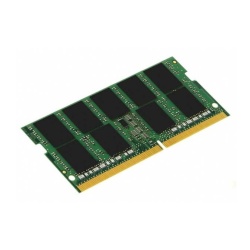
Compare
- 32GB Kingston Technology memory module
- 3200MHz memory clock speed
- 260-pin form factor
Expected to ship within 7 days of order
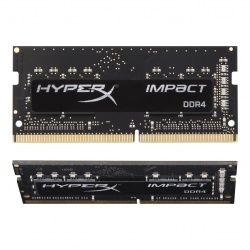
Compare
- Dual 32GB DDR4 SO-DIMM memory kit (2x16GB)
- 3200MHz memory speed
- CAS latency of CL20
Expected to ship within 7 days of order
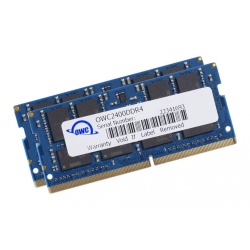
Compare
- Dual 16GB DDR4 memory module
- OWC range
- PC4-19200 memory standard, 2400MHz speed
Ready to ship
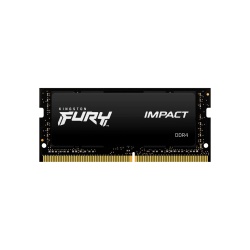
Compare
- 32GB DDR4 SO-DIMM memory module
- 3200MHz memory speed
- CAS latency of CL20, 204 pins
Expected to ship within 7 days of order
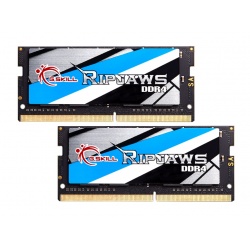
Compare
- Dual Channel 32GB DDR4 memory upgrade kit for laptop computers - contains 2x 16GB modules
- 2400MHz memory speed, PC4-19200 standard
- Full memory timings of CL16 (16-16-16-39) - 260 pins
Ready to ship
Compare
- Dual Channel 32GB DDR4 memory upgrade kit for laptop computers - contains 2x 16GB modules
- 2666MHz memory speed, PC4-21300 standard
- Full memory timings of CL19 (19-19-19-43) - 260 pins
Ready to ship
Compare
- Dual Channel 32GB DDR4 memory upgrade kit for laptop computers - contains 2x 16GB modules
- 3200MHz memory speed, PC4-25600 standard
- Full memory timings of CL22 (22-22-22-52) - 260 pins
Ready to ship
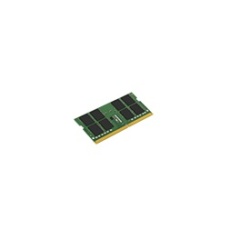
Compare
- Laptop 32 GB DDR4 3200 MHz
- 260-pin SO-DIMM 1 x 32 GB
- CAS latency: 22
Expected to ship within 11 days of order
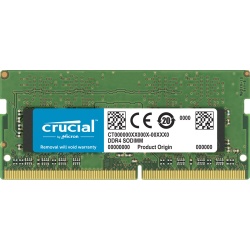
Compare
- Dual 64GB DDR4 desktop memory upgrade kit
- 260 pins, 3200MHz memory speed
- PC4-25600, DDR4-3200
Expected to ship within 7 days of order
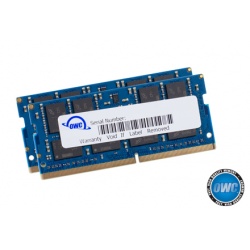
Compare
- 64GB Dual channel DDR4 memory kit (2x32GB)
- OWC range
- PC4-21300 memory standard, 2666MHz speed
Ready to ship
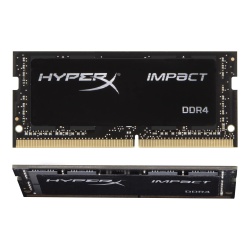
Compare
- Dual 64GB DDR4 SO-DIMM memory kit (2x32GB)
- 3200MHz memory speed
- CAS latency of CL20
Expected to ship within 11 days of order
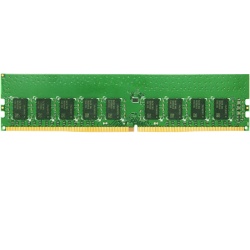
Compare
- Laptop 16 GB DDR4 2666 MHz
- 260-pin SO-DIMM 1 x 16 GB
- ECC
Expected to ship within 8 days of order
DDR4 SO-DIMM memory upgrades are designed for laptop and notebook computers using the DDR4 memory type. SO-DIMM is a shorter and more compact type of DIMM memory, which offers the same capacities and performance as the larger modules used in desktop computers. We carry DDR4 laptop memory in a range of speed ratings and capacities. Whether you need to boost a little more life into an aging laptop, or you are looking for the latest high-performance kit for a gaming laptop; we have everything you need. What is more, adding DDR4 laptop RAM to your machine is incredibly simple. Simply power the laptop off, open the RAM slot that is typically located at the base of the laptop, insert the memory modules, and the next time you boot up, your laptop will recognize the additional memory.