


 Startech Mini Wireless-N USB Wireless Network Adapter
| IN STOCK |
 TP-Link AC1300 Wireless USB Network Adapter
| IN STOCK |
 Startech PCI Express Wireless N Adapter Card
| IN STOCK |
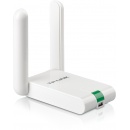 TP-Link TL-WN822N USB Wireless Networking Adapter
| IN STOCK |
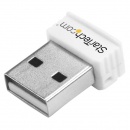 Startech USB Wireless Network Adapter
| IN STOCK |
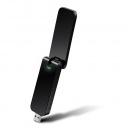 TP-Link Archer T4U Wireless Dual Band USB Adapter
| IN STOCK |
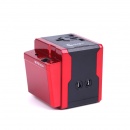 NEON A8 Universal Wifi Adapter with 2 USB Port, Red
| IN STOCK |
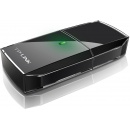 TP-Link Archer T2U USB Wireless Network Adapter
| IN STOCK |
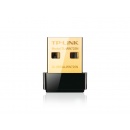 TP-LINK TL-WN725N USB Network Adapter
| IN STOCK |
 TP-LINK TL-WN823N WLAN Networking Adapter
| IN STOCK |
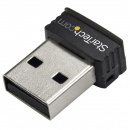 StarTech USB150WN1X1 Networking Card
| IN STOCK |
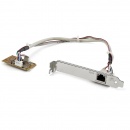 StarTech Mini PCI Express Gigabit Ethernet Network Adapter
| IN STOCK |
WPS (Wi-Fi Protected Setup)
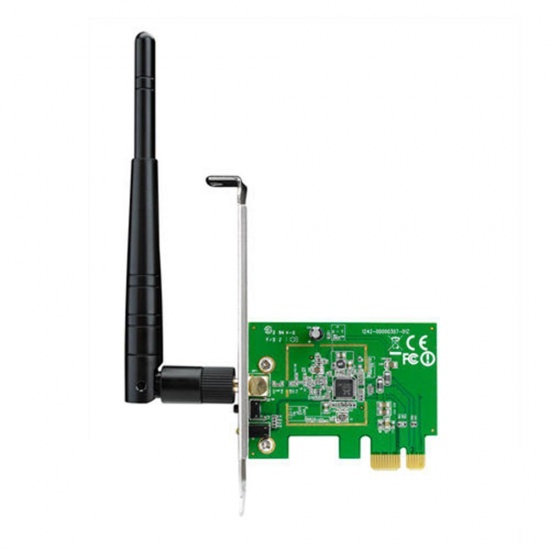
For quickly setting up a secure wireless connection. Press the Hardware WPS button on PCE-N10 about 3 seconds, then press the WPS button on ASUS routers as well. Either you can choose to use software WPS, enabling the WPS utility in the WPS Wizard interface. And finish the setup with 3 steps.
Software AP
Software AP mode allows the WLAN card to act as a virtual access point. The computer needs to be connected to a wired network using an Ethernet connection in order to provide network access to WLAN client.
| INTERFACE TYPE | PCI Express |
| DATA TRANSFER SPEED | 150 Mbit/s |
| NETWORK STANDARDS | IEEE 802.11 b/g/n |
| SECURITY | 128-bit WEP,64-bit WEP,WPA-PSK,WPA2-PSK,WPS |
| TEMPERATURE RANGES | 32 - 113 °F |
| HUMIDITY RANGES | 5 - 95% |
| COLOR | Black,Green |
| SYSTEM REQUIREMENTS | Windows 7 32bit/64bit, Windows Vista 32bit/64bit, Windows XP 32bit/64bit, Linux 2.6 |
| DIMENSIONS | 4.7in x 3.4in x 0.86in |
| WEIGHT | 0.12LBS |
| WARRANTY | 2 years manufacturers warranty |